

Remote Captions
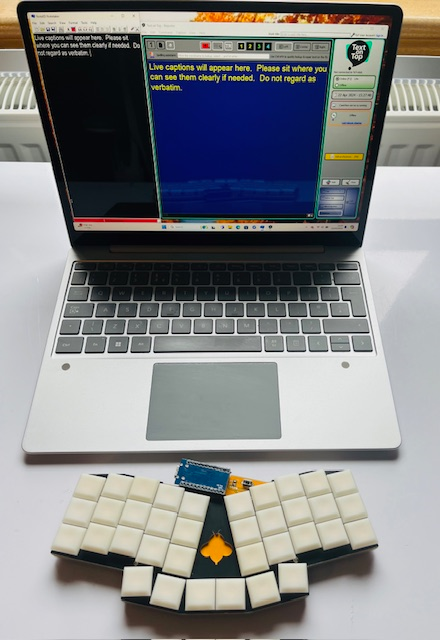
Remote Captioning delivers real-time subtitles of virtual meetings and events to clients located anywhere in the world. Specialist technology enables speech to be converted into text at a remote location by a professional captioner. The text* is then instantly streamed back to the event where it will be displayed on a laptop/computer screen or smartphone via a secure server.
No specialist equipment is needed to use this service. All the captioner needs is a way of receiving the audio. This usually involves providing the captioner with an invite to the meeting on whatever VC platform is being used (Skype, Zoom, Microsoft Teams, WebEx, Google Hangouts, Streamyard, Blue Jeans, etc). The client will need to have an internet enabled device (laptop, smartphone) on which to read the scrolling text. It may also be possible to send audio to the captioner via conference phone or landline telephone.
There are two types of captions available:
- 'closed' captions - individual participants have the option of turning the captions on or off as required
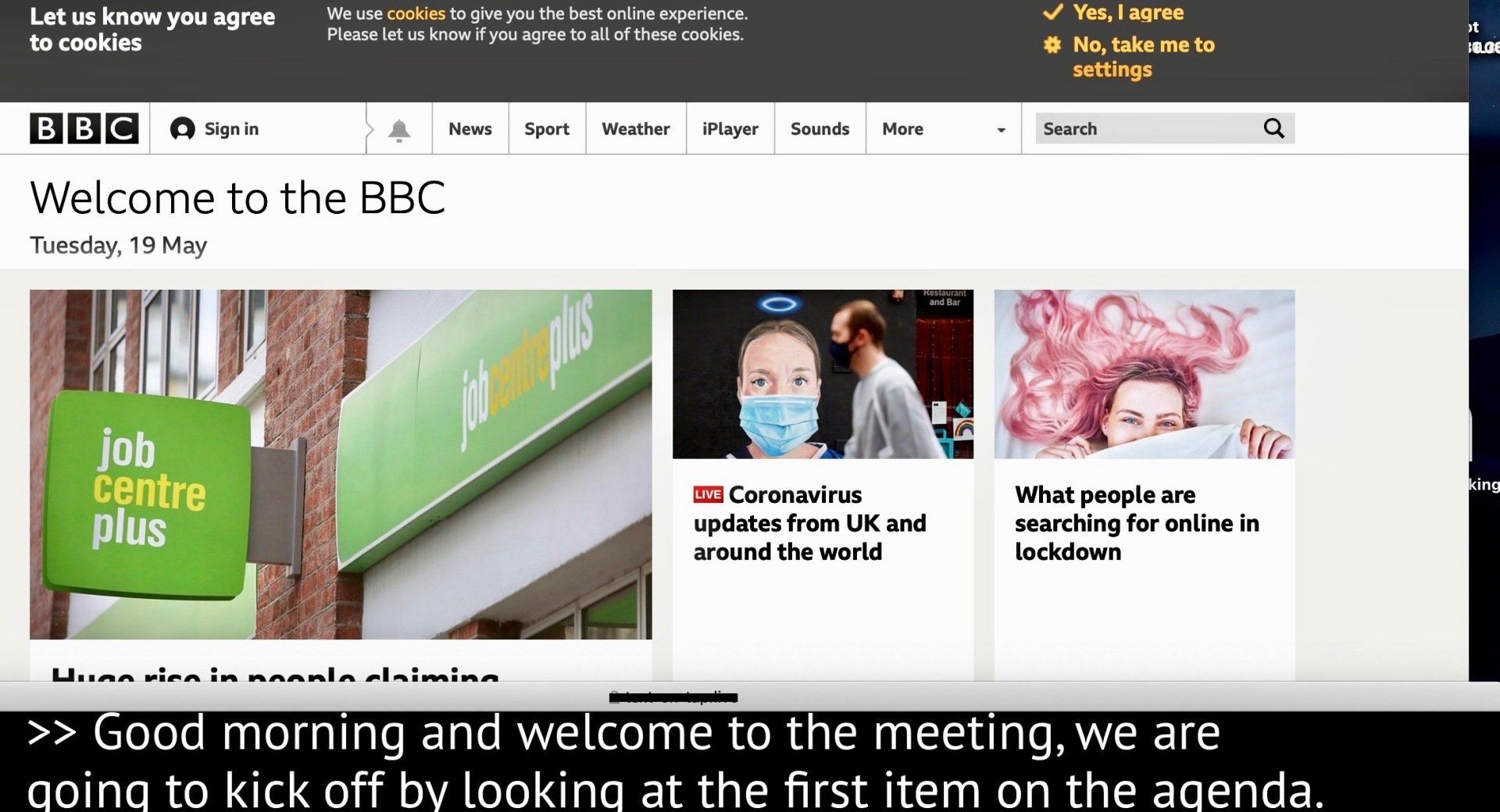
- 'open' captions - everyone viewing the event sees the captions
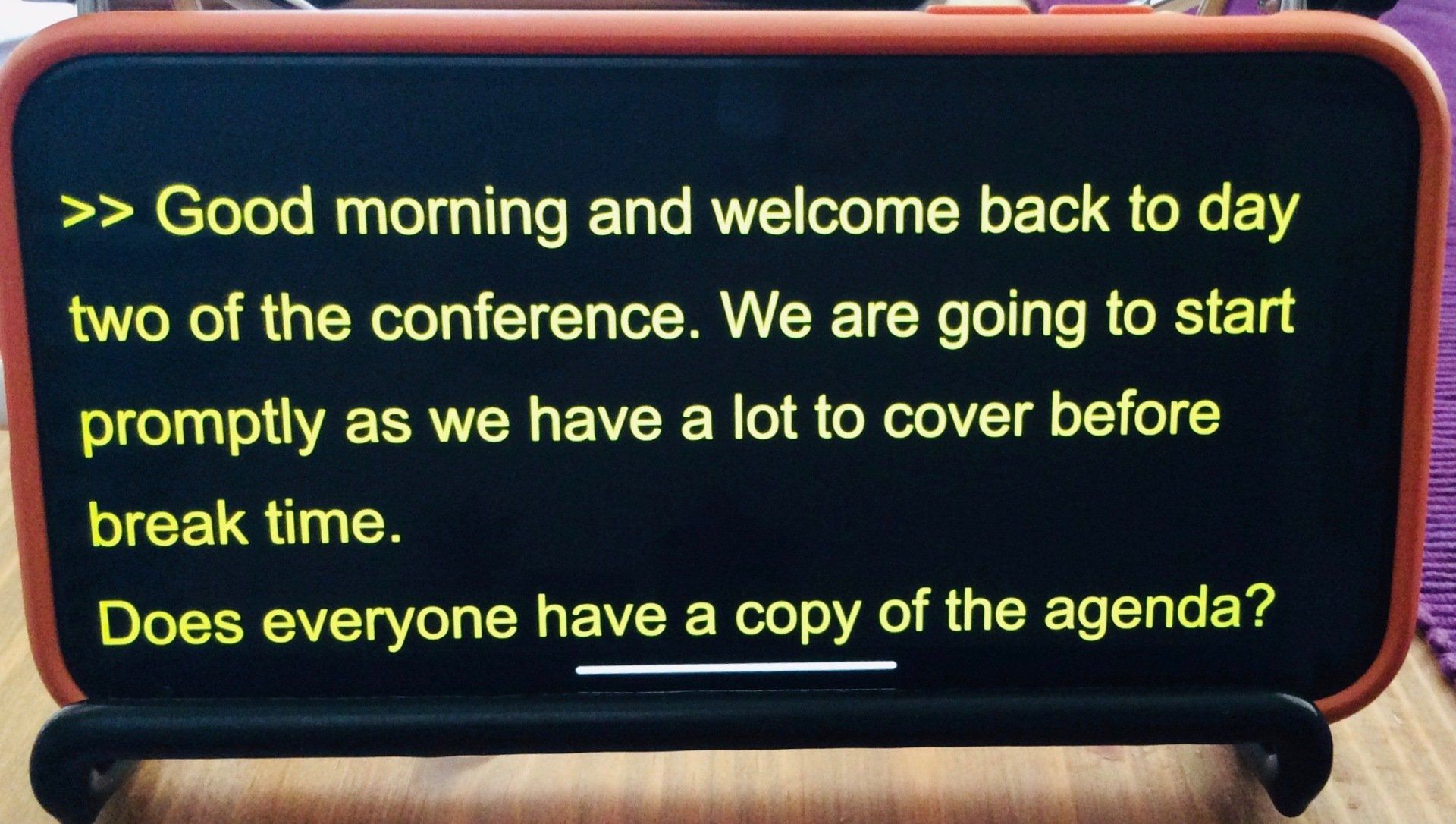
Closed captions can be viewed as:
- embedded subtitles via the platform's native closed captions facility (ie, Zoom CC, Teams, Webex)
- a pop-out window overlaid on the video-conferencing platform (Google Hangouts, Lizesize).
- full screen on a secondary device (ie, mobile, tablet)
Open captions for platforms like Streamyard can be integrated via:
- video production software (ie, OBS Studio, Wirecast, Vmix)
- embedded on the hosting organisation's website using IFrames
Dalziel St. Andrews Parish Church, online Sunday service, 7th June 2020
